 d5922386d5
|
||
|---|---|---|
| Example | ||
| ReCaptcha | ||
| .gitignore | ||
| .travis.yml | ||
| CHANGELOG.md | ||
| LICENSE | ||
| README.md | ||
| ReCaptcha.podspec | ||
| _Pods.xcodeproj | ||
| codecov.yml | ||
| example.gif | ||

README.md
ReCaptcha



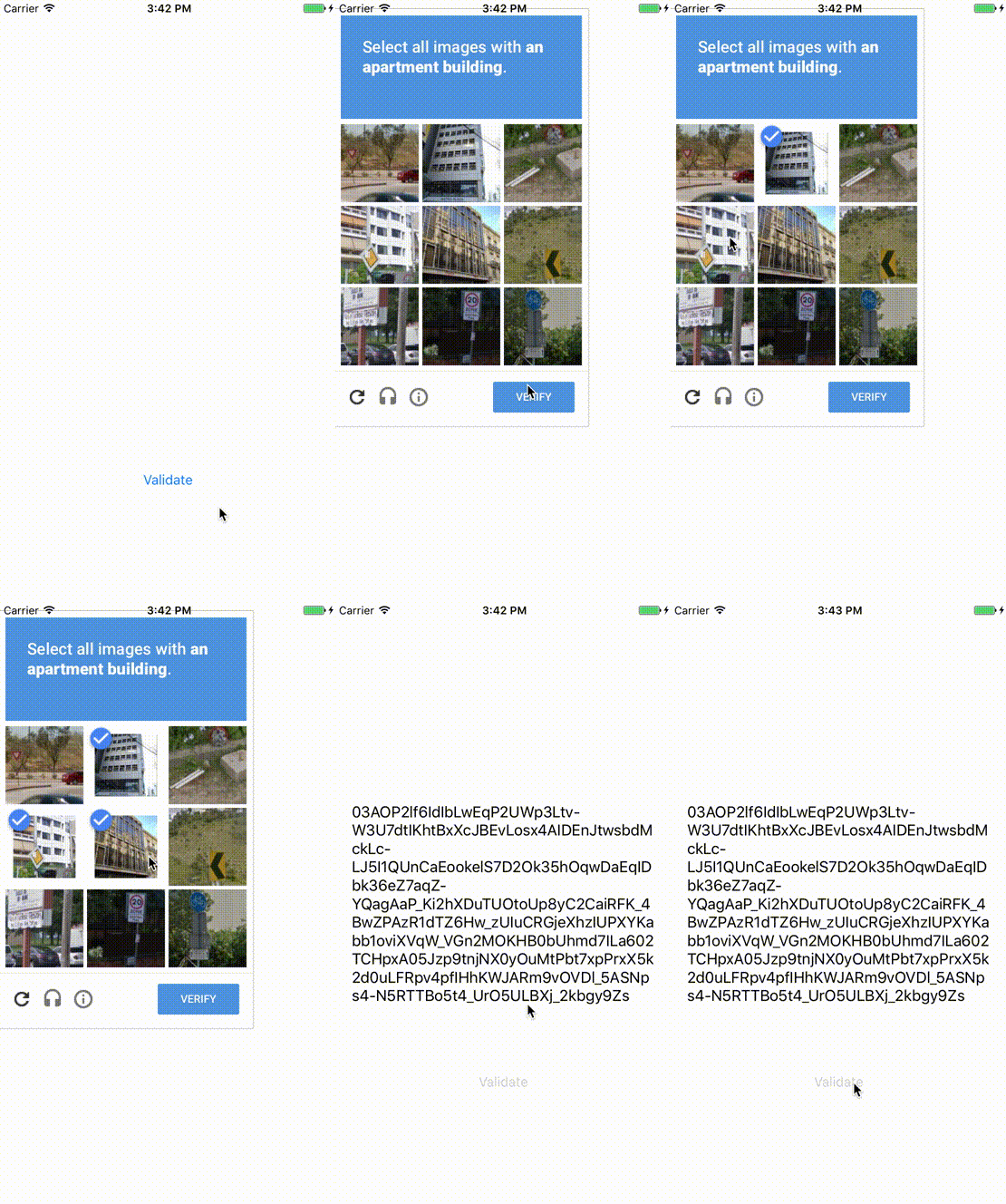
Add Google's Invisible ReCaptcha to your project. This library automatically handles ReCaptcha's events and retrieves the validation token or notifies you to present the challenge if invisibility is not possible.
Installation
ReCaptcha is available through CocoaPods. To install it, simply add the following line to your Podfile:
pod "ReCaptcha"
# or
pod "ReCaptcha/RxSwift"
Usage
Simply add ReCaptchaKey and ReCaptchaDomain to your Info.plist and run:
let recaptcha = try? ReCaptcha()

override func viewDidLoad() {
    super.viewDidLoad()

    recaptcha?.configureWebView { [weak self] webview in
        webview.frame = self?.view.bounds ?? CGRect.zero
    }
}


func validate() {
    recaptcha?.validate(on: view) { [weak self] result in
        print(try? result.dematerialize())
    }
}
You can also install the reactive subpod and use it with RxSwift:
recaptcha.rx.validate(on: view)
    .map { try $0.dematerialize() }
    .subscribe(onNext: { (token: String) in
        // Do something
    })
License
ReCaptcha is available under the MIT license. See the LICENSE file for more info.