# UIAnimatedTextField
This custom control can be used as a replacement for UITextField.
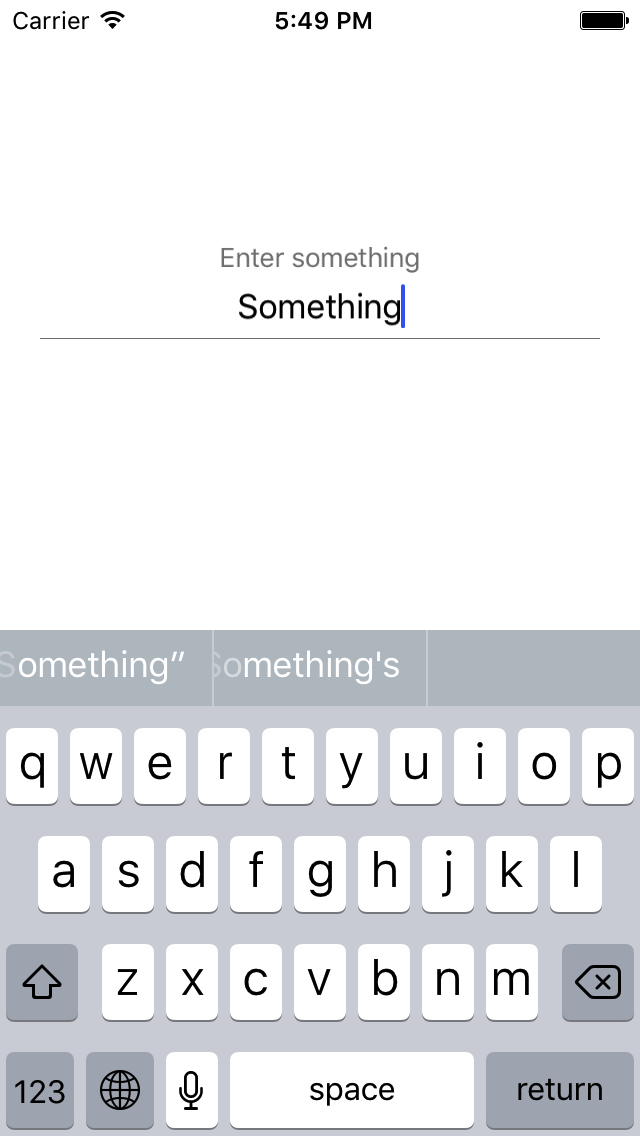
When an user taps on it, a placeholder rises smoothly.
It comes with 5 different text types: simple, password, url, tappable, date.
## Installation
UIAnimatedTextField is available through [CocoaPods](http://cocoapods.org). To install
it, simply add the pod 'UIAnimatedTextField' and the source for podspecs to your Podfile. For example:
```ruby
source "https://github.com/iznv/Podspecs.git"
platform :ios, '9.0'
use_frameworks!
target "ProjectName" do
pod 'UIAnimatedTextField', '0.1.7'
end
```
## Usage
Set height of UIView to 50 (optionally, to make UIAnimatedTextField look pretty). Create IBOutlet:
```swift
@IBOutlet weak var textField: UIAnimatedTextField!
```
In order to enable placeholder, set placeholder property:
```swift
textField.placeholder = "Enter something"
```
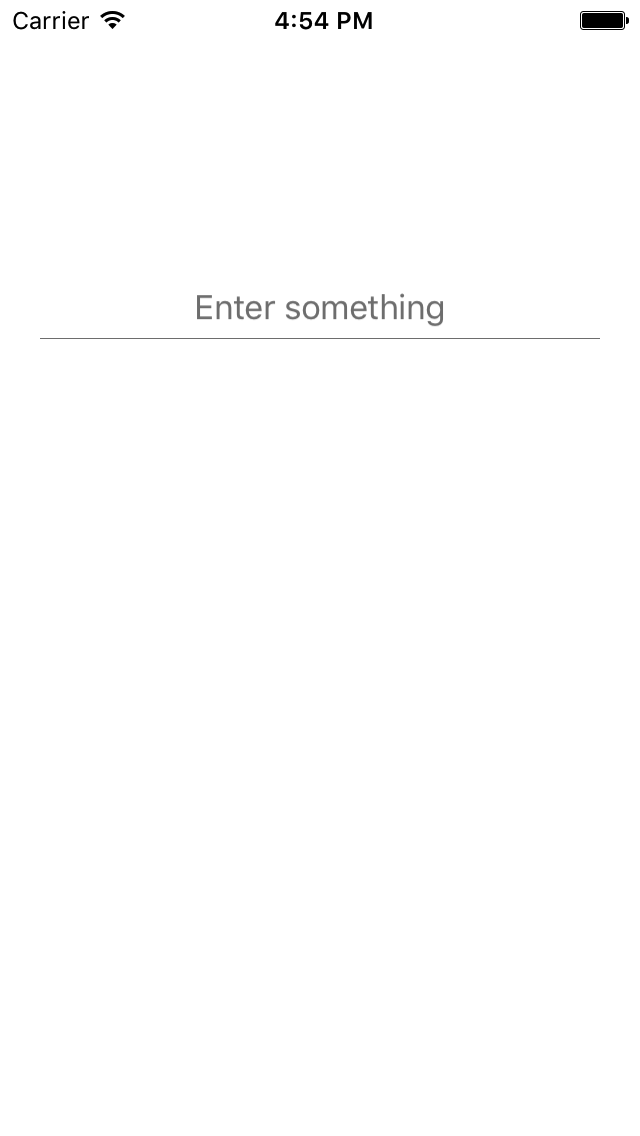
### Simple type
By default you use simple type. It is just a text field.
 ### Password type
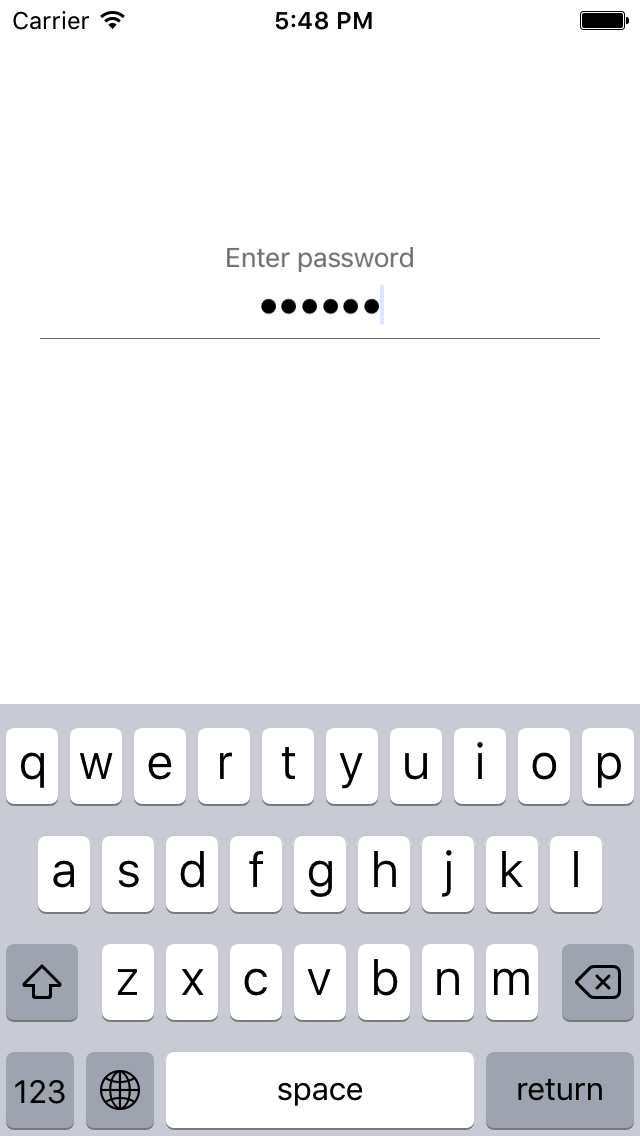
In order to use UIAnimatedTextField for password input, specify its type as .password
```swift
textField.type = .password
```
### Password type
In order to use UIAnimatedTextField for password input, specify its type as .password
```swift
textField.type = .password
```
 ### Date type
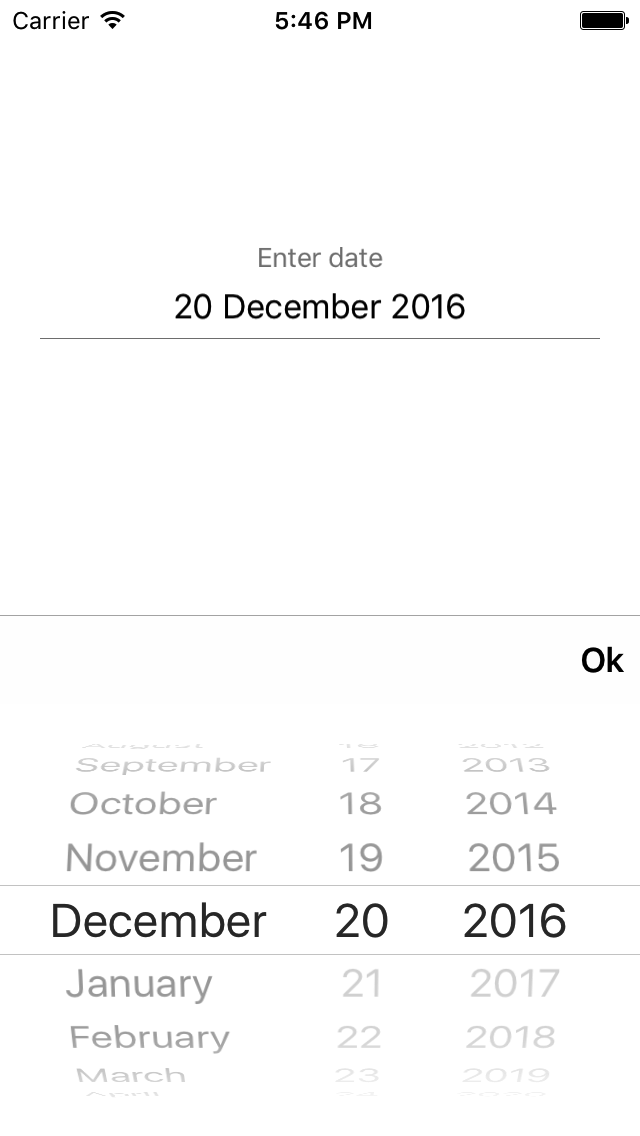
In order to use UIAnimatedTextField for date input, specify its type as .date
```swift
textField.type = .date
```
Also you can set date format and done button title:
```swift
// "Done" by default
textField.doneTitle = "Ok"
// "dd/MM/YYYY" by default
textField.dateFormat = "dd MMMM YYYY"
```
### Date type
In order to use UIAnimatedTextField for date input, specify its type as .date
```swift
textField.type = .date
```
Also you can set date format and done button title:
```swift
// "Done" by default
textField.doneTitle = "Ok"
// "dd/MM/YYYY" by default
textField.dateFormat = "dd MMMM YYYY"
```
 ### Tappable type
In order to choose somewhere something that will be displayed in text field, specify type as .tappable and designate an action, for example:
```swift
textField.type = .tappable(action: {textField in textField.text = "Selected thing" })
```
Tap on the field, do an action, display a result in text field.
## Customization
### Color
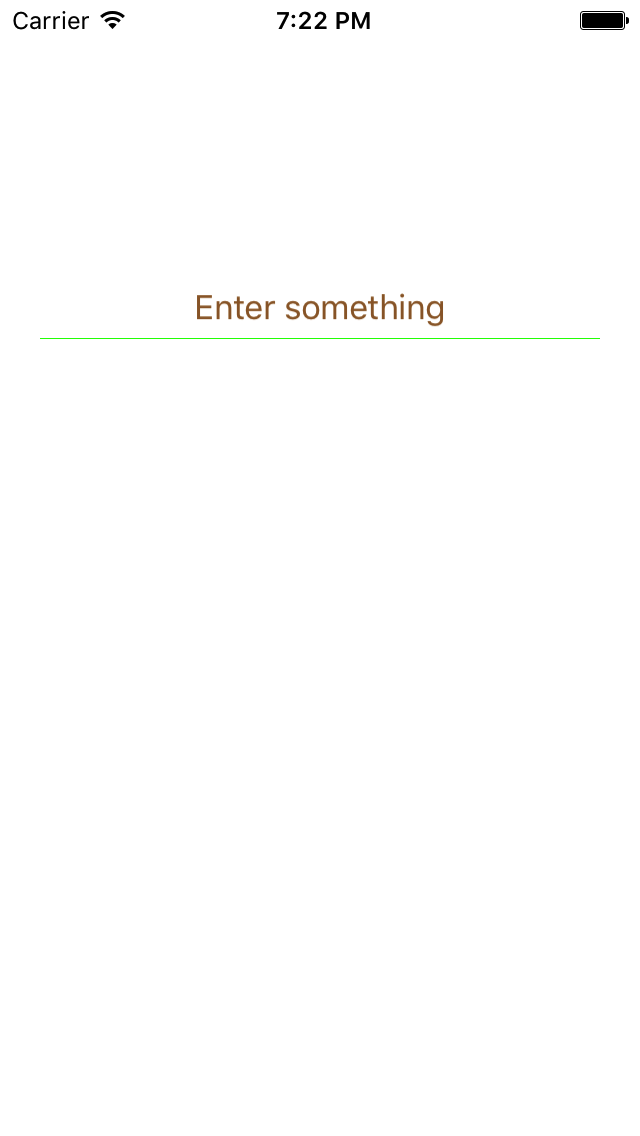
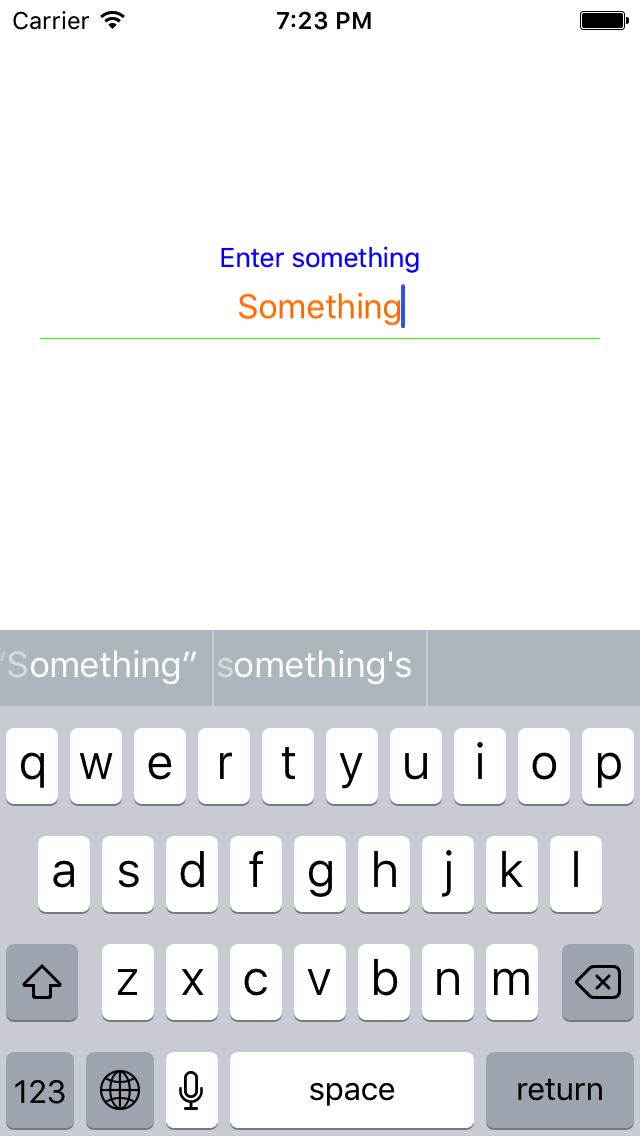
You can change color of placeholder, entered text, line like this:
```swift
textField.placeholderTopColor = .blue
textField.placeholderBottomColor = .brown
textField.enteredTextColor = .orange
textField.lineColor = .green
```
Result:
### Tappable type
In order to choose somewhere something that will be displayed in text field, specify type as .tappable and designate an action, for example:
```swift
textField.type = .tappable(action: {textField in textField.text = "Selected thing" })
```
Tap on the field, do an action, display a result in text field.
## Customization
### Color
You can change color of placeholder, entered text, line like this:
```swift
textField.placeholderTopColor = .blue
textField.placeholderBottomColor = .brown
textField.enteredTextColor = .orange
textField.lineColor = .green
```
Result:
 ### Text Alignment
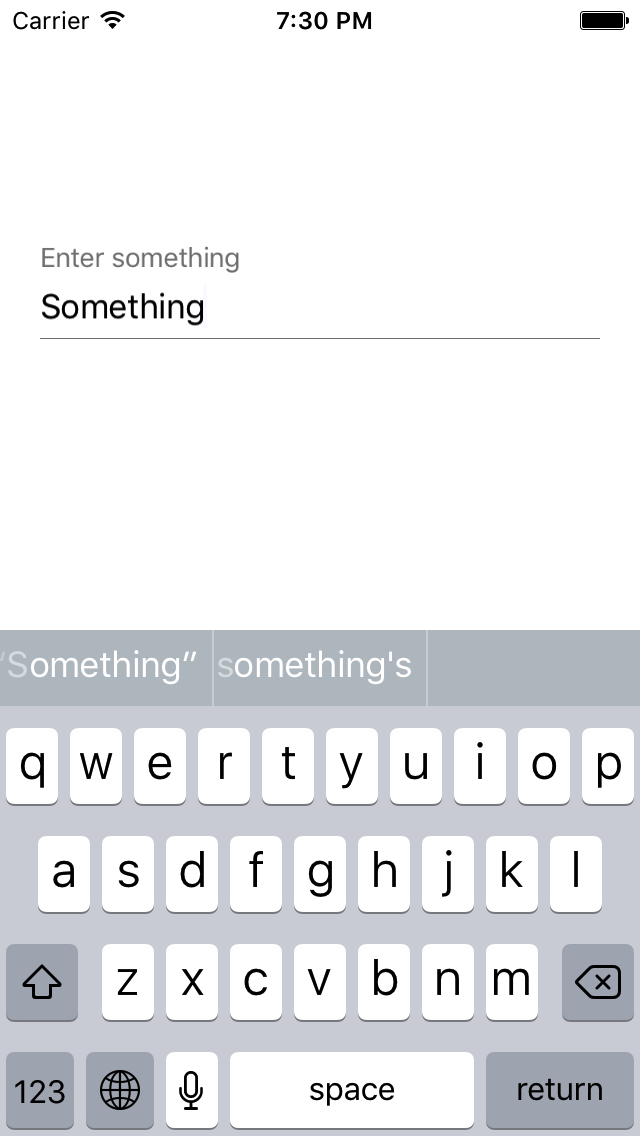
In order to change text alignment of placeholder and text field use this property:
```swift
textField.isLeftTextAlignment = true
```
Result:
### Text Alignment
In order to change text alignment of placeholder and text field use this property:
```swift
textField.isLeftTextAlignment = true
```
Result:
 ## License
Copyright (c) 2016 Touch Instinct
UIAnimatedTextField is available under the MIT license. See the LICENSE file for more info.
## License
Copyright (c) 2016 Touch Instinct
UIAnimatedTextField is available under the MIT license. See the LICENSE file for more info.